Wallet and menu access
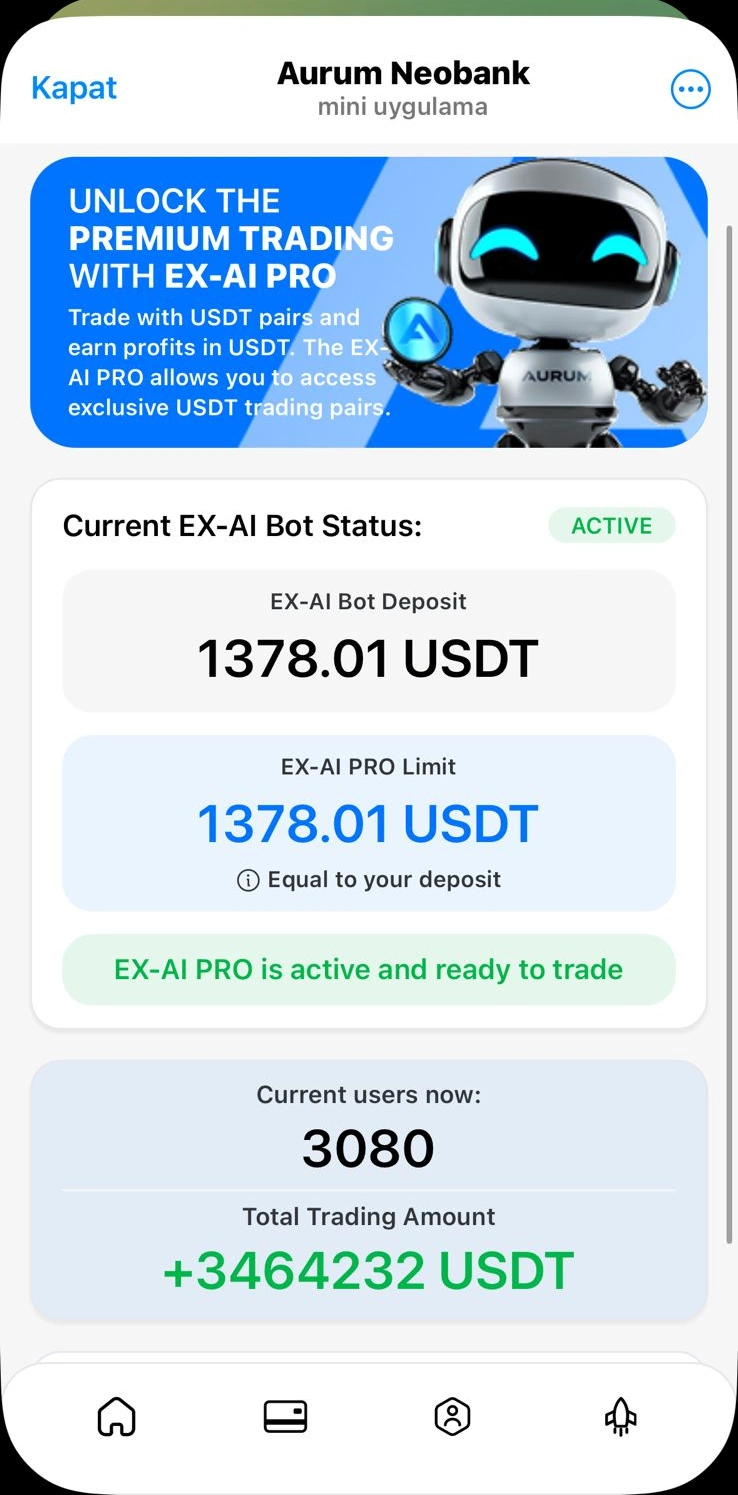
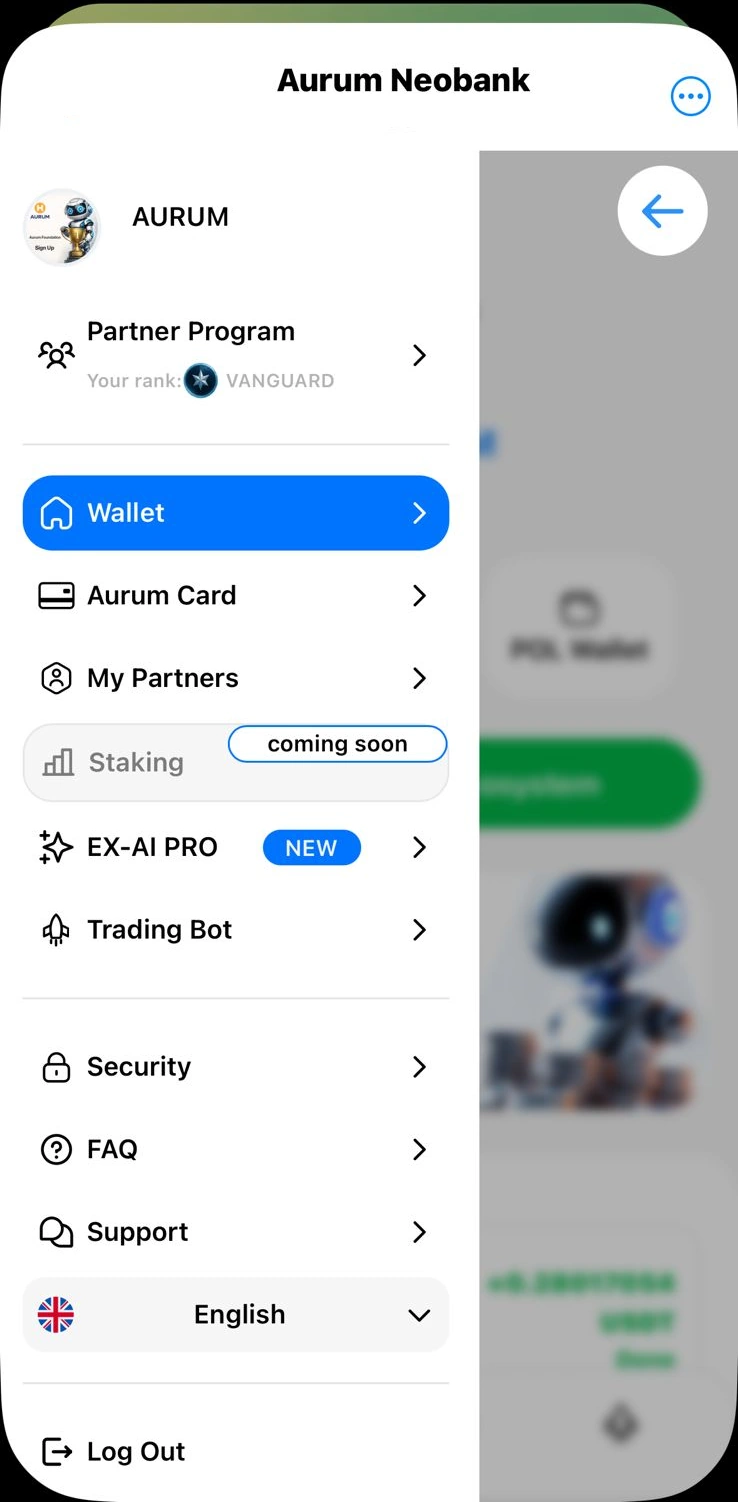
The uploaded mobile view shows wallet access, Aurum Card navigation, trading-bot entry points, support, security, and language options.
A cleaner summary of the wallet-style interface, card area, top-up and withdrawal screens, EX-AI PRO status display, and trading-bot-related mobile views shared in the uploaded materials.
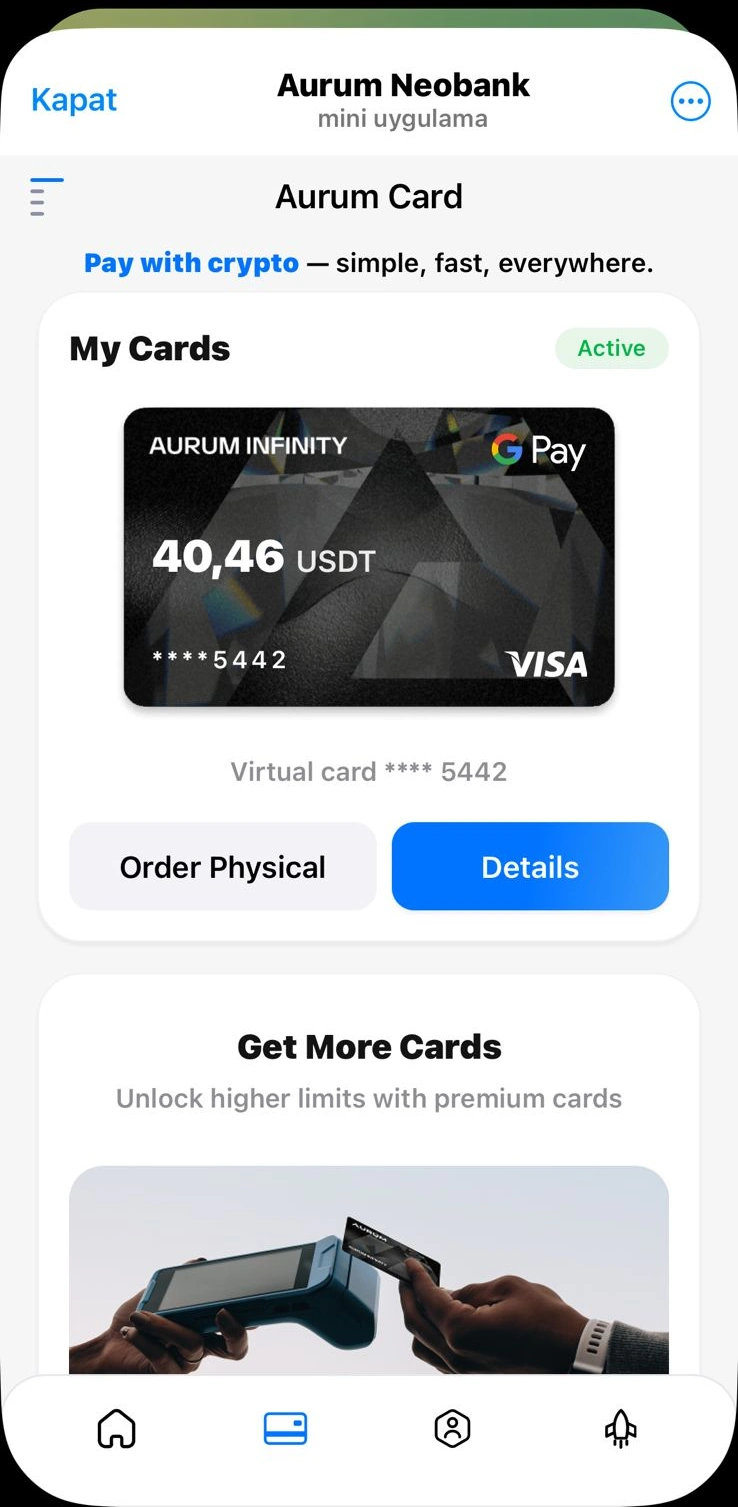
The Neobank page brings wallet, card, top-up, withdrawal, and mobile bot controls into one clearer user journey.
The uploaded mobile view shows wallet access, Aurum Card navigation, trading-bot entry points, support, security, and language options.
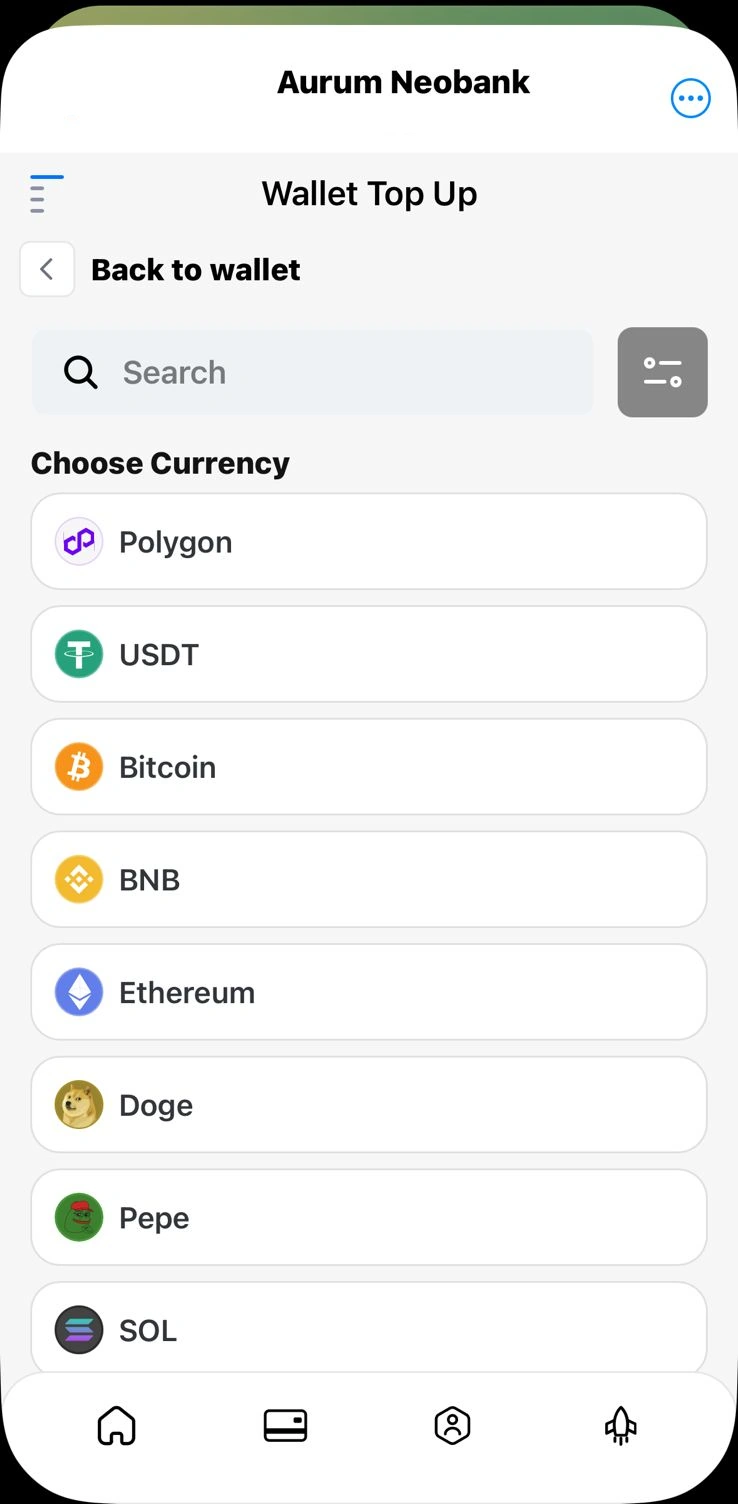
The top-up screen shows multiple currency/network options such as Polygon, USDT, Bitcoin, BNB, Ethereum, DOGE, PEPE, and SOL.
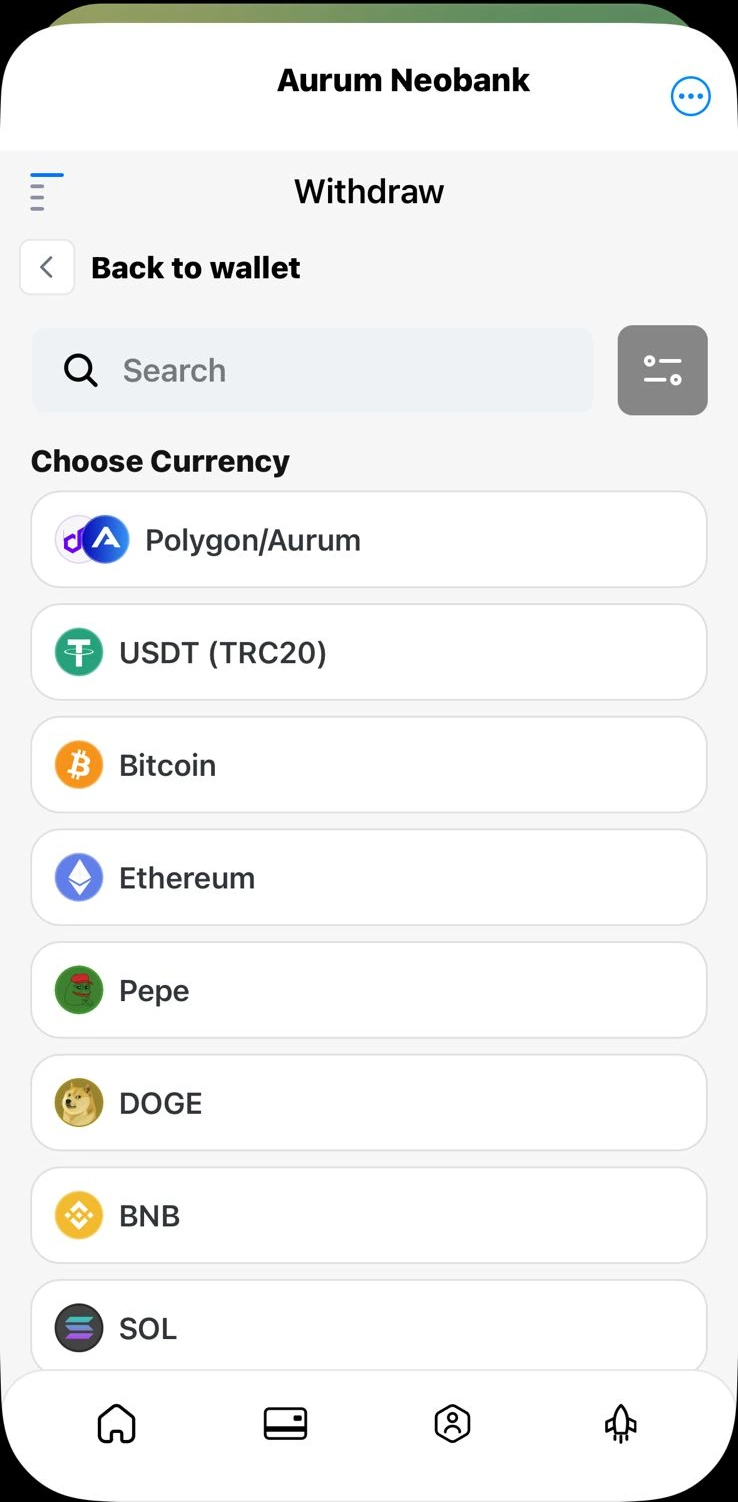
The withdrawal view presents asset/network choices and a wallet-return path inside the mobile mini app interface.
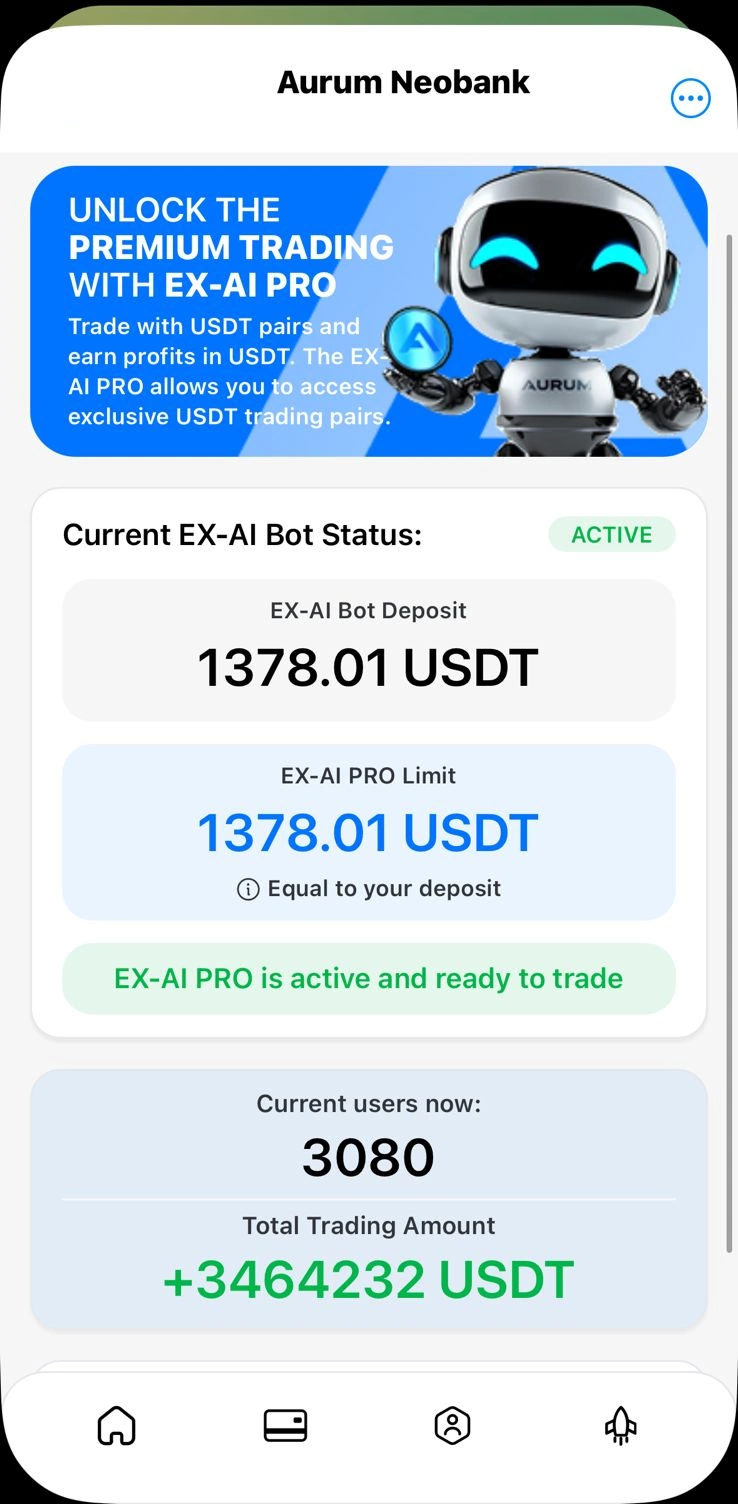
One mobile screen shows an EX-AI Bot deposit amount, EX-AI PRO limit, active status, and a live user/trading summary block.
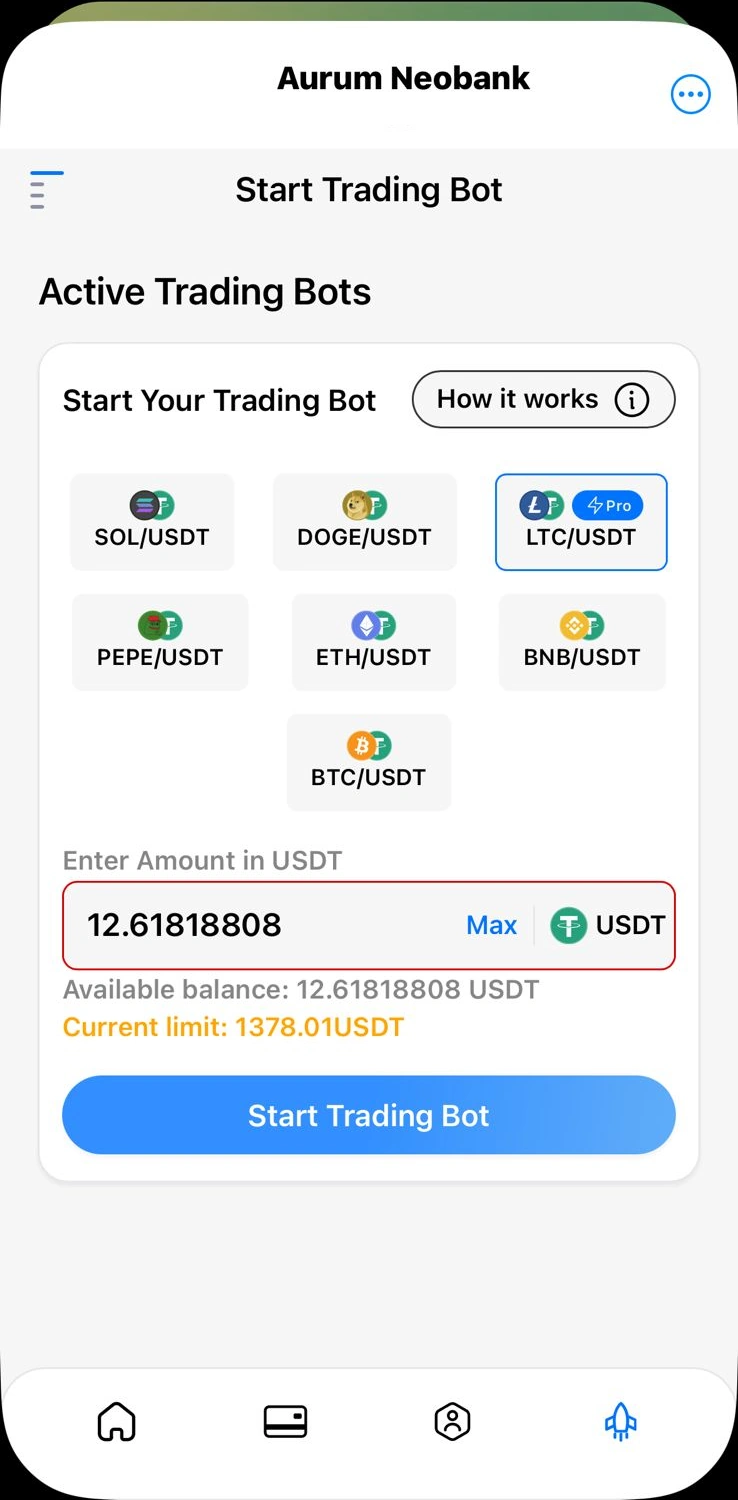
The mobile bot screen presents pair choices like SOL/USDT, DOGE/USDT, LTC/USDT, PEPE/USDT, ETH/USDT, BNB/USDT, and BTC/USDT.
The trading area also highlights a pair selection flow, available balance reference, and a bot-start action button.
Use this page to understand the mobile-facing side of the platform. Then compare it with the EX-AI Bot page, the calculator, the RWA Gold overview, and the FAQ. CryptoBot Academy is not the official corporate website, so visitors should always verify the latest official product terms, restrictions, and availability before acting.