1
Open the funding page
Go to the top-up or wallet funding area from the main account interface.
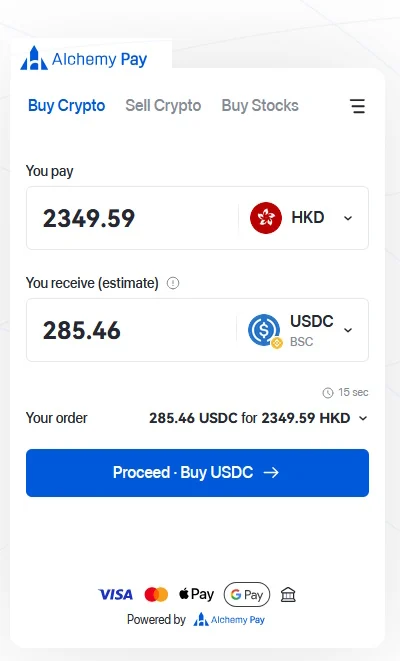
This guide shows the visual flow from the wallet top-up area to the payment path so you can check asset, network, and address details more carefully.
Always match the asset and network exactly. Wallet addresses, supported methods, fees, and availability may change by country, provider, or account.
Go to the top-up or wallet funding area from the main account interface.
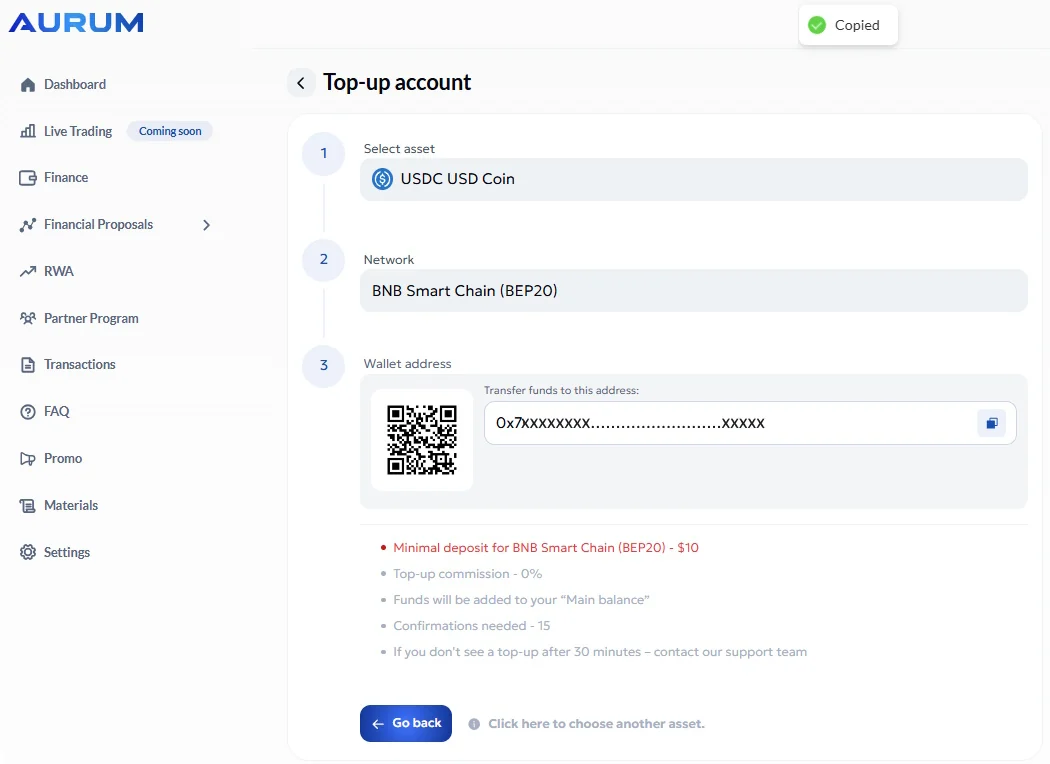
Select the asset you want to send, such as USDT or another supported option shown on the platform.
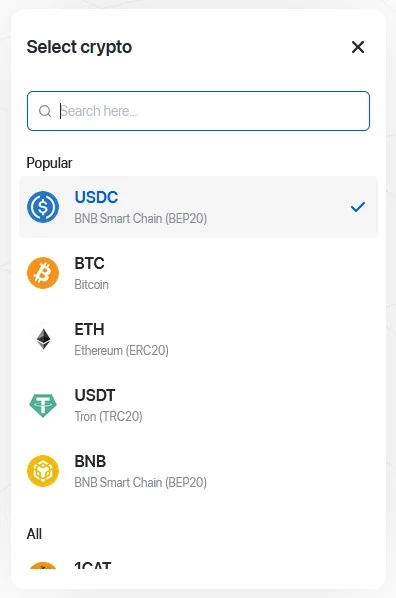
Select the exact network shown on the deposit screen and do not mix networks.
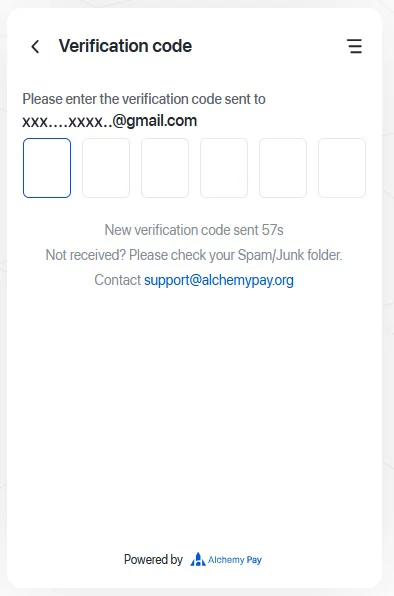
Use the official deposit address from the platform and double-check it before continuing.
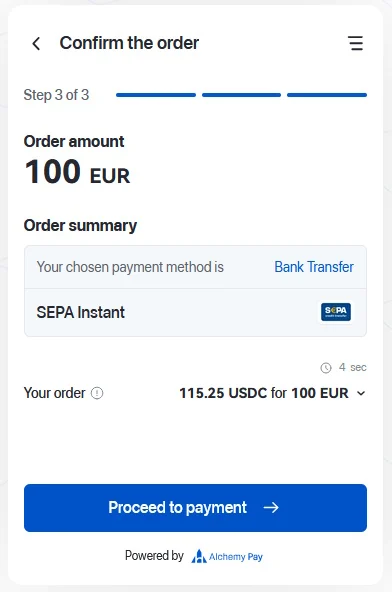
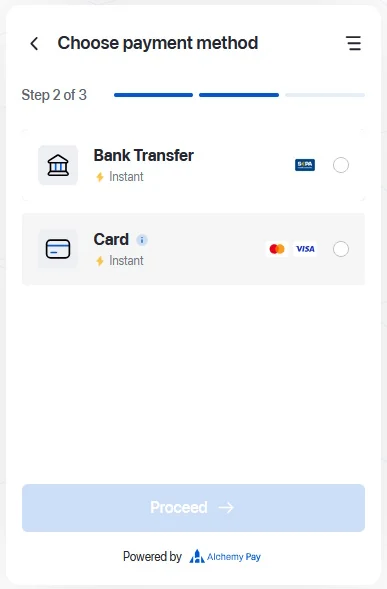
Proceed through the payment or purchase steps shown by the selected provider.
After the transfer is confirmed, watch the balance area and transaction status until the funds appear.