1
Create your account
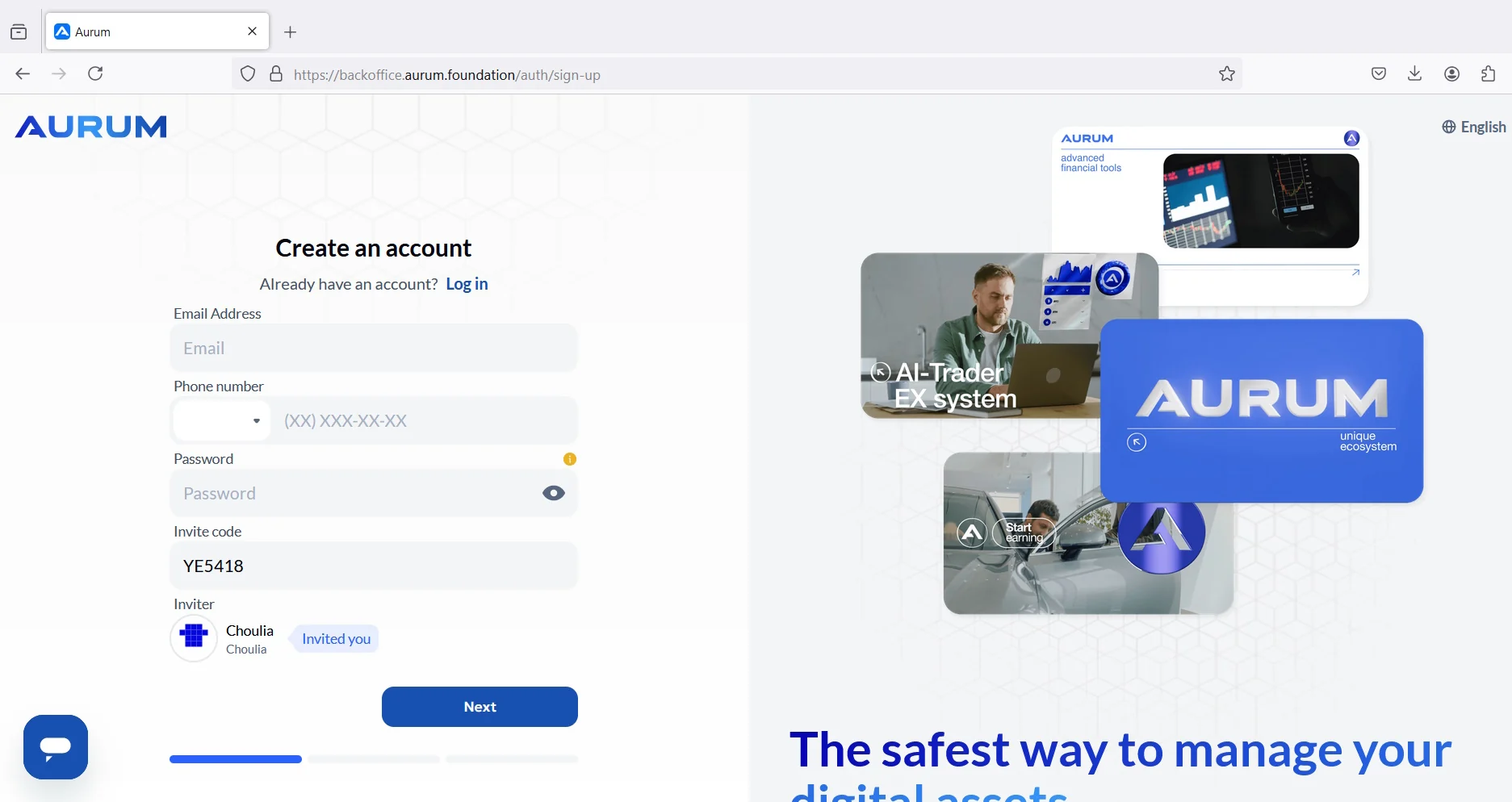
Open the sign-up screen, enter your details, and complete the registration process.
This guide brings together registration, dashboard access, 2FA, ecosystem access, and the first deposit-creation step in a simpler visual sequence.
This guide is provided for general informational purposes only. Product access, fees, timing, and availability may change. Always check the latest official platform screens and conditions before acting.
Open the sign-up screen, enter your details, and complete the registration process.
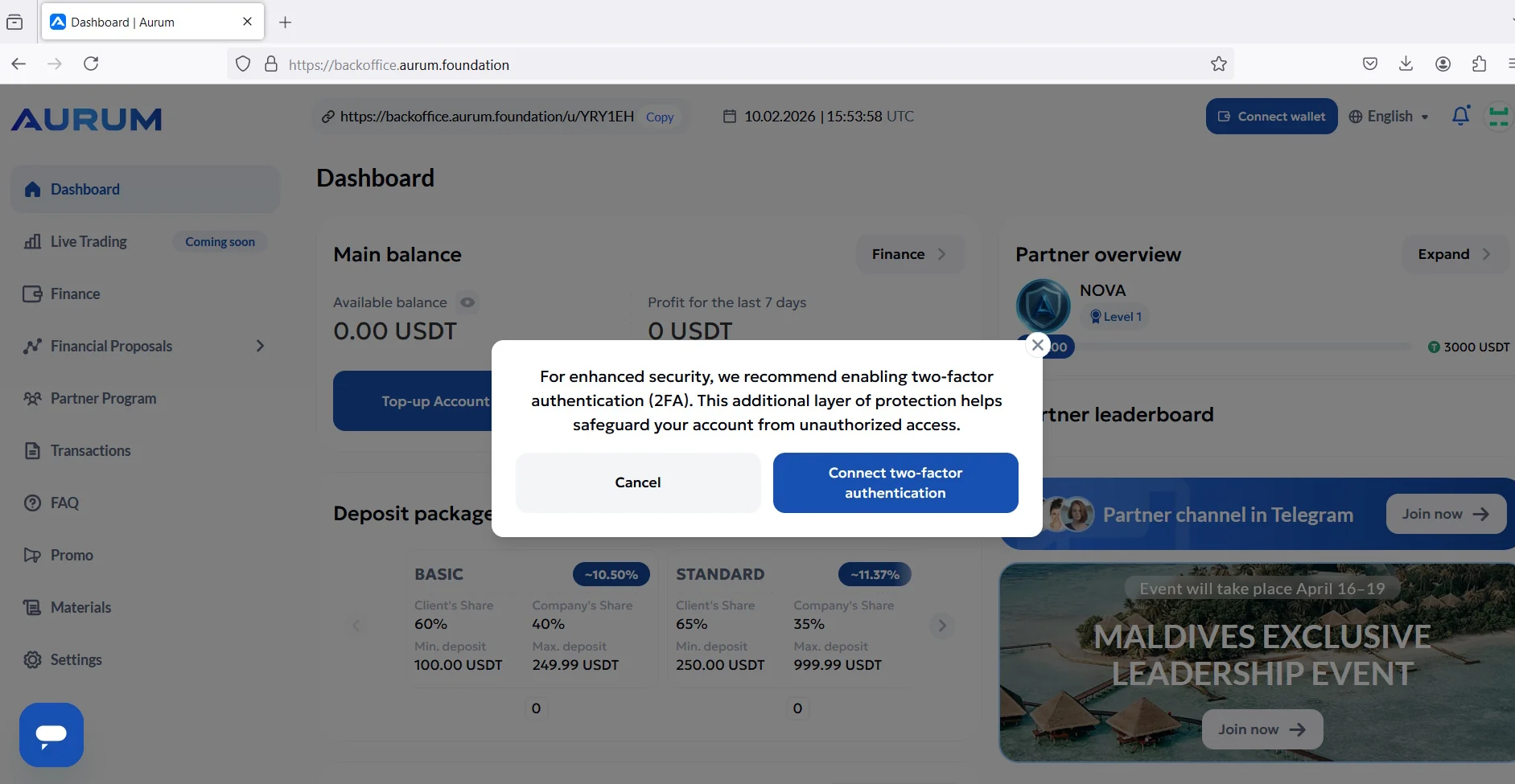
Sign in to the back office and confirm that the main dashboard is visible.
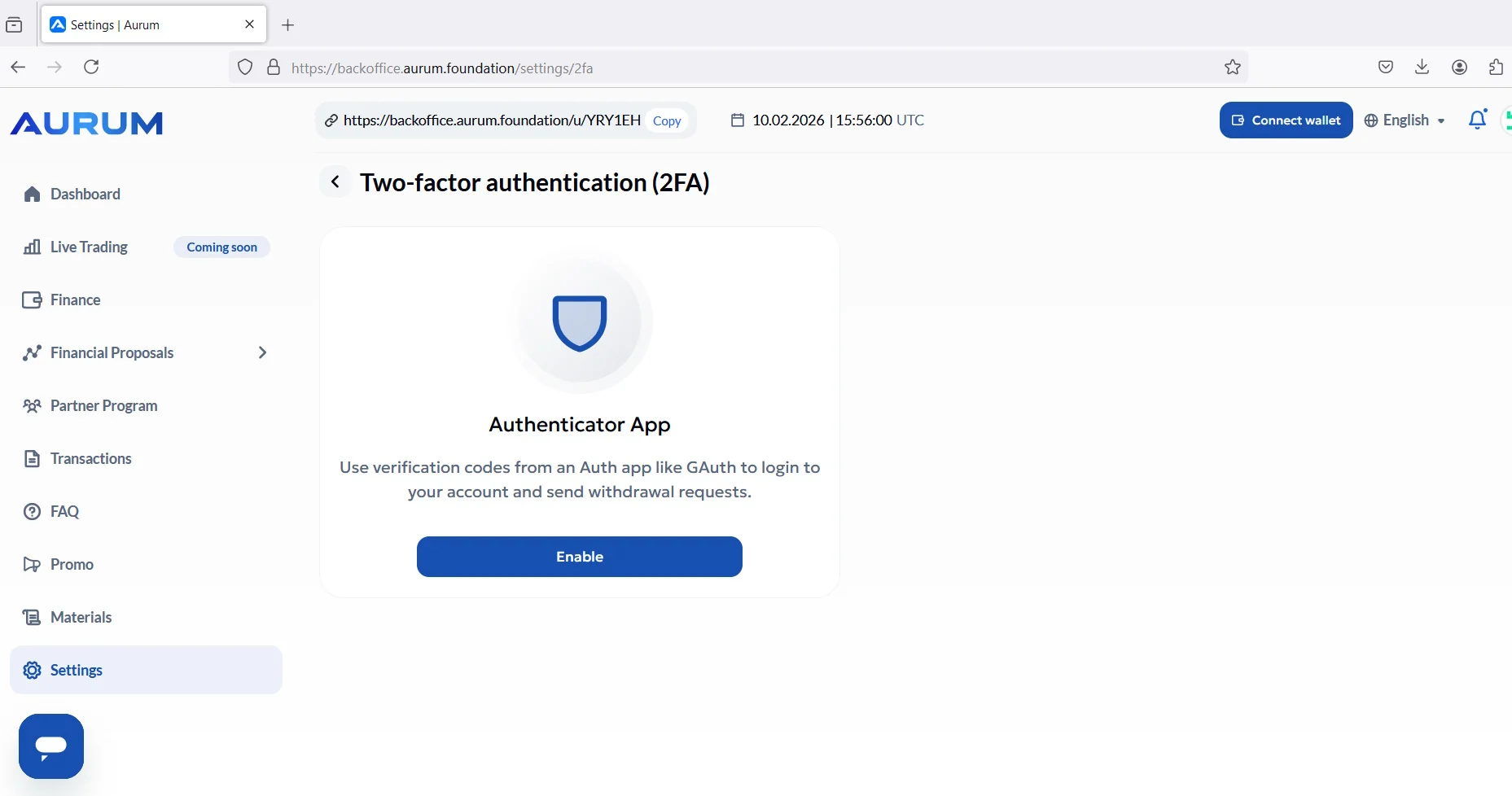
Open the security settings and activate two-factor authentication before moving funds.
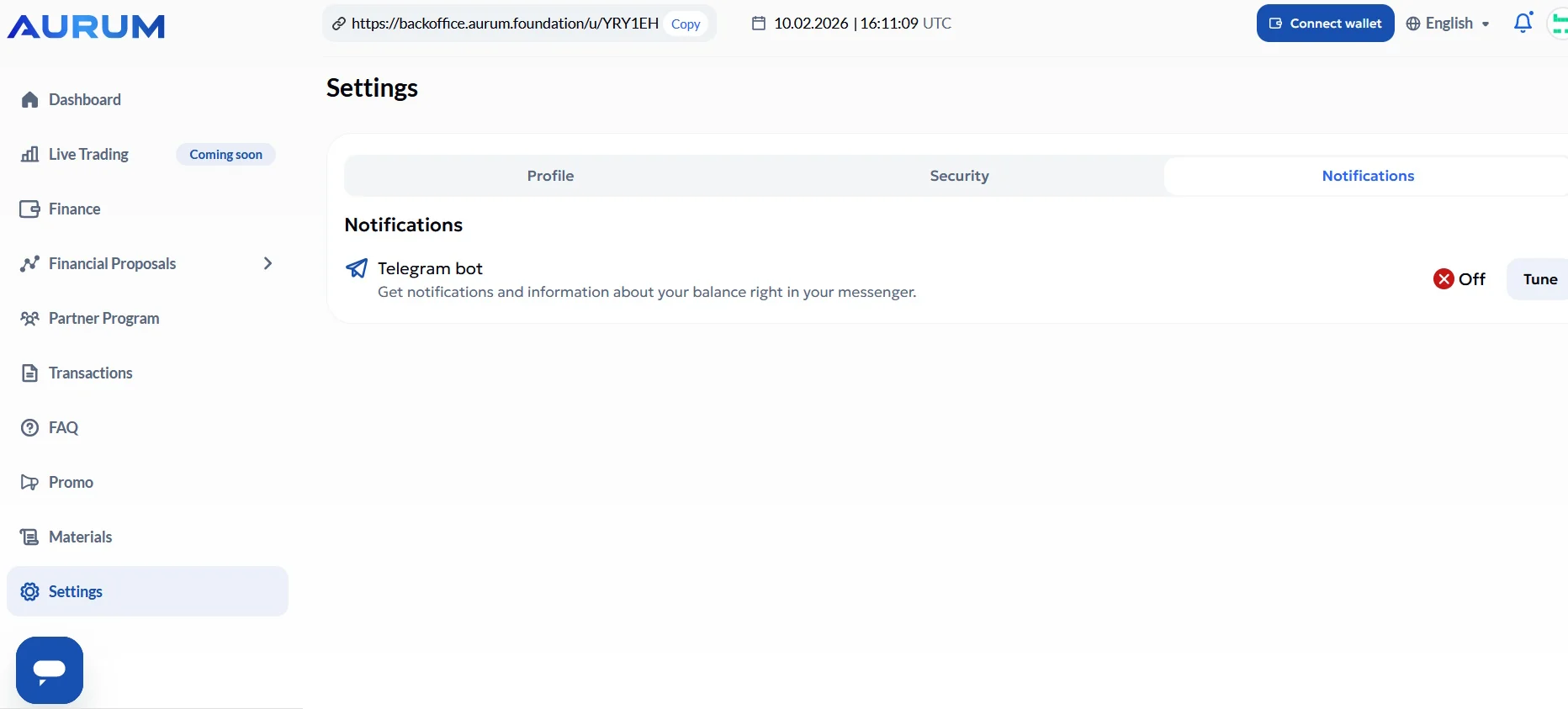
Connect the notification flow so account prompts and updates are easier to follow.
Confirm the annual ecosystem access step if it is required on your account.
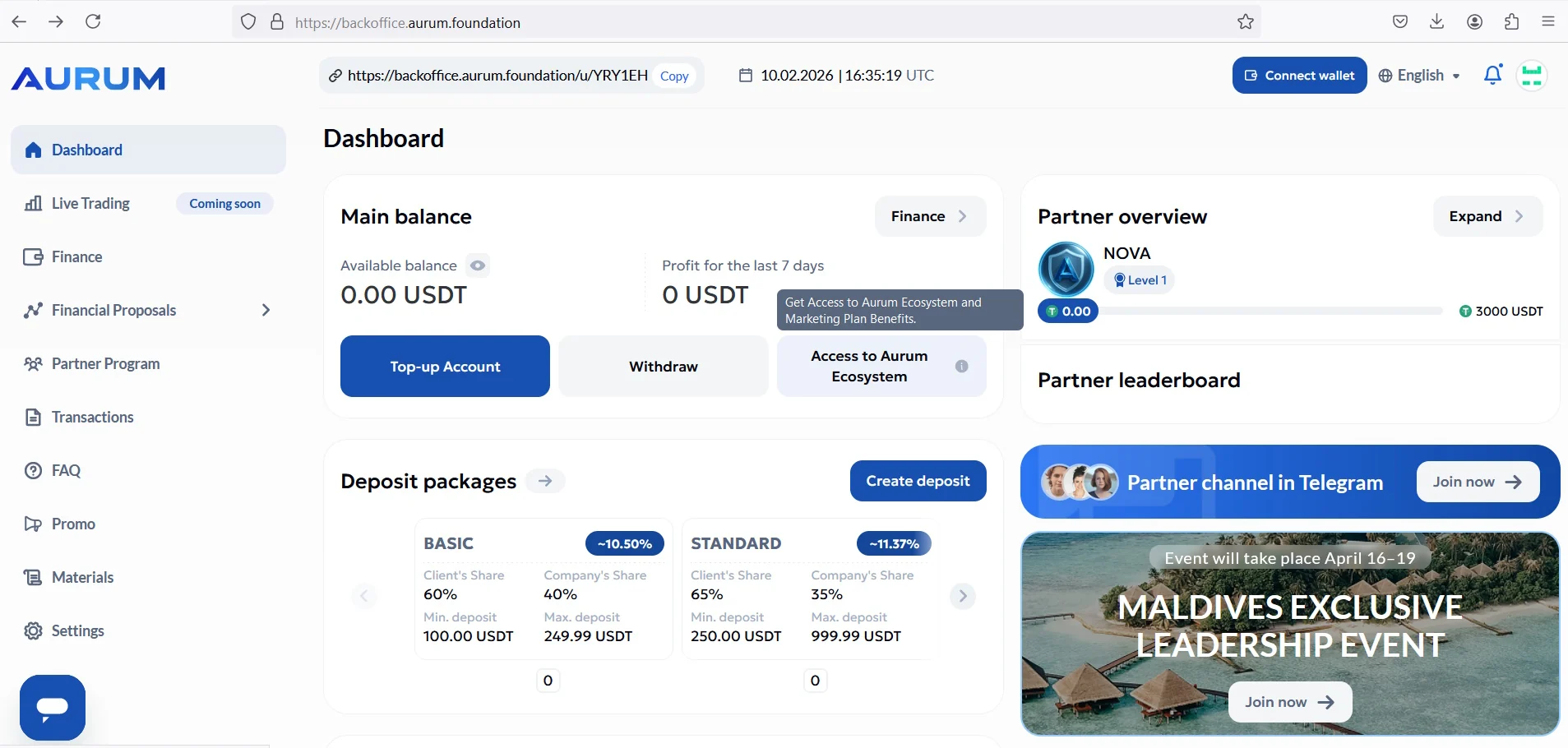
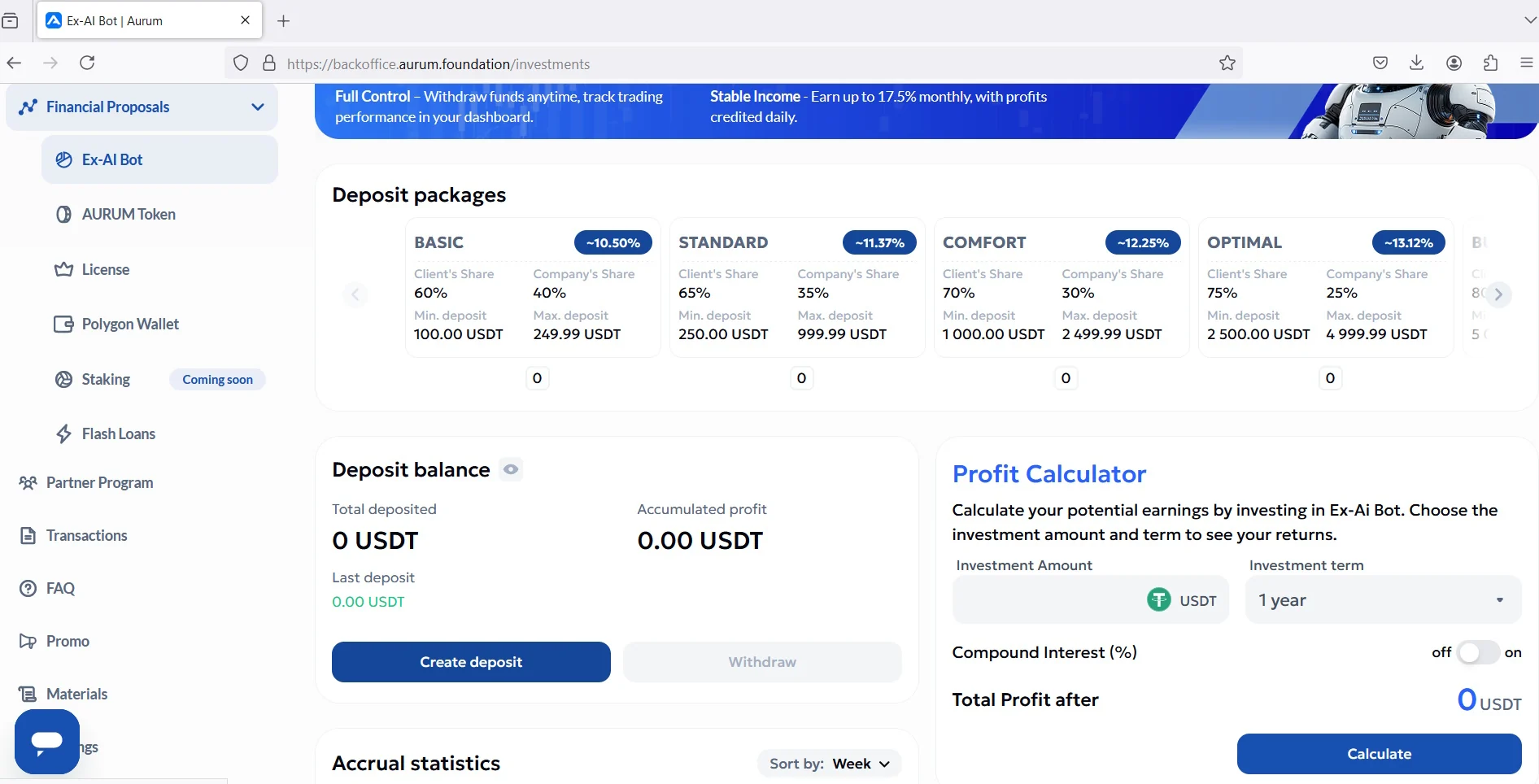
Open the EX-AI Bot area and create the first deposit when your balance is ready.